
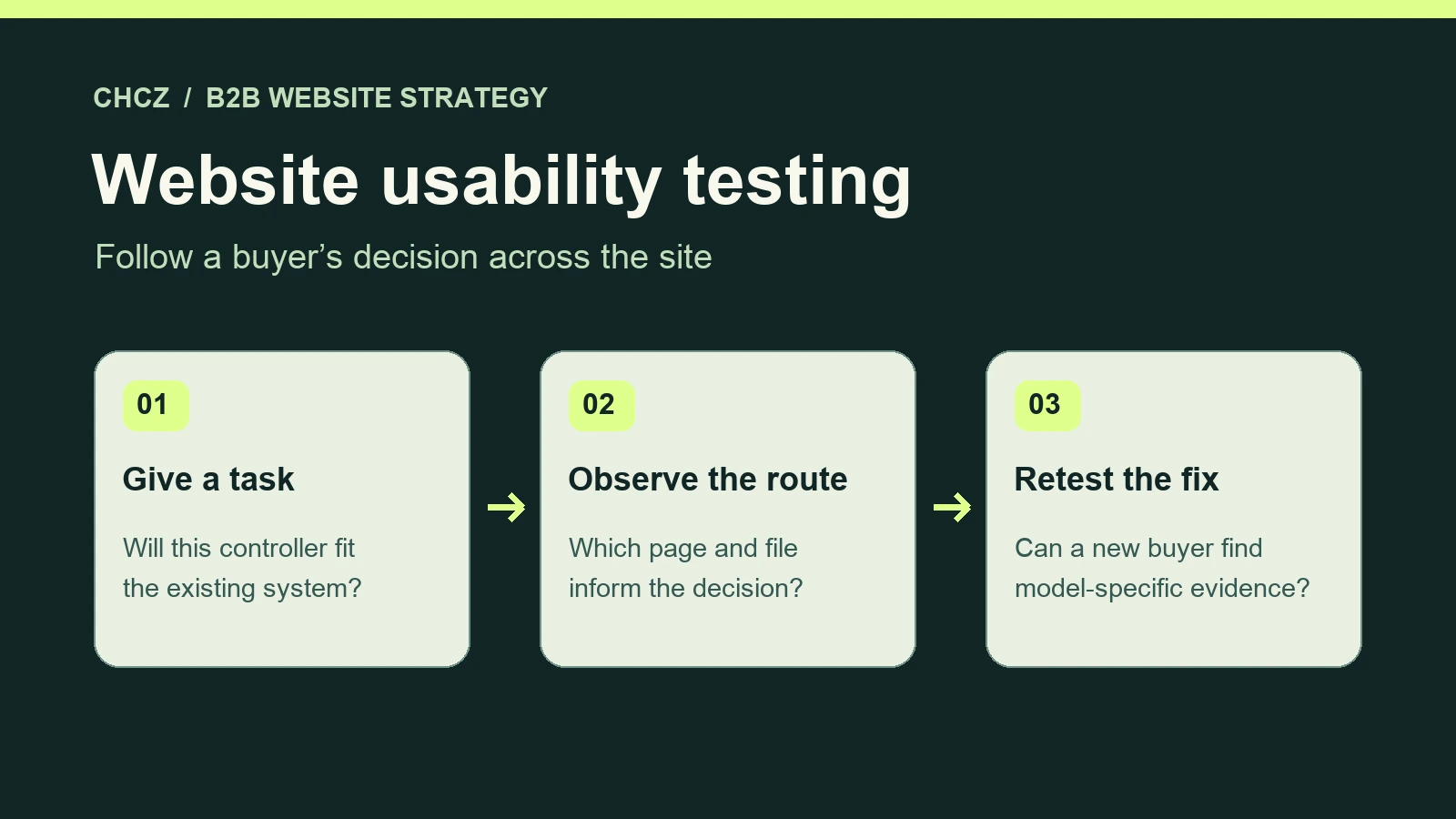
Website usability testing shows how likely buyers use your site to make a decision. Give them a realistic goal, let them choose their route, and watch where they hesitate, misread evidence, or need help. For a B2B site, the outcome can be a defensible shortlist decision, a specification a colleague can verify, or a technical question ready to send.
Use this plan before a redesign to identify which problems to solve, or before release to check a changed journey. Start with a decision you need to make about the website and a buyer task that can inform it.
Choose the decision your test will inform
“Is the site easy to use?” gives the team little direction. Ask whether a controls engineer can determine if a product fits an existing system, or whether a procurement specialist can find and share evidence for a shortlist. Pick the entry page a buyer would plausibly reach. A search landing page or a link forwarded by a colleague can be a more realistic starting point than the homepage.
Recruit people who do that work or would plausibly do it. Give technical evaluators the specification task and give purchasing participants a supplier-evidence task they recognize. Record role, familiarity with the product category, and relevant device context. Keep colleagues who know the website in a pilot group so their feedback on the script stays distinct from buyer observations. The GOV.UK moderated testing guide connects research questions, likely users, and the part of the service under test.
Write task cards that leave the route open
Give each participant a situation and a goal. Keep the success criteria in the observer’s copy. Avoid borrowing exact menu or button text when finding that label is part of the test. Use the terminology the buyer would naturally use for the job. See NN/g’s guidance on realistic task scenarios.
| Starting point | Read to the participant | Record as success when |
|---|---|---|
| Product detail page from search | You need a controller that works with an existing Ethernet-based system. Decide whether this model is worth a closer look. Show the evidence behind your decision. | They find the protocol supported by the specific model and identify any compatibility detail they still need confirmed. |
| Service page forwarded by a colleague | A colleague wants to know what your team would need to supply before this work could start. Find something you could share with them. | They locate the prerequisites or inputs and can share a page or document that actually states them. |
| Model page on a test site | You have one compatibility question before recommending this model. Show how you would get it answered. | They choose an appropriate contact route, include the model and question, and recognize the confirmation if the test form can be submitted. |
Define acceptable alternative routes. If site search leads to the correct current specification, that can be an independent success. If the first result is an old PDF for another model and the participant stops there, record an incorrect outcome even if the search felt easy. Check the sample materials before the session so the observer can tell the difference.
Run the session and record assistance
- Set up. Record the page or prototype version, starting URL and device. Explain what you will observe and get permission before recording. Use dummy details and a test destination for submissions that could create live inquiries.
- Introduce the task. Try “We’re evaluating the website. Please work through this as you normally would and tell me what you’re looking for.” Read the task and give the participant room to act.
- Probe without directing. Ask “What were you expecting to find there?” or “What tells you that document applies to this model?” Keep the link, tab, field or file name out of the prompt.
- Mark the outcome before helping. Record independent success, assisted completion, incorrect outcome, or stopped. If you supply a clue so the session can move on, note the clue and what they do next. If a prototype cannot execute the last step, mark that step untested.
- Debrief. Ask what they would send a colleague or do next. The observer records the route and evidence while the moderator runs the conversation. Compare notes after the session using the Digital.gov usability testing guide.
Run the script once with a colleague to catch leading language and broken test conditions. Keep a stable task version across comparable sessions. If you clarify a task midway, record which participants received each wording.
Turn an observation into a change you can retest
Keep what happened separate from your explanation. “Opened Downloads, selected the family brochure and quoted a protocol from a different model” is an observation. “The model-specific file was hard to distinguish from the family brochure” is a hypothesis. Check the rendered page before assigning the issue to navigation, labeling, missing content or a form handoff.
Worked example. On a hypothetical equipment site, the participant finds the correct model page and opens a family brochure. The brochure lists protocols across several products, and the participant uses that list to recommend the wrong model. The proposed change is to state protocol support in the model’s specification block and label each document with the model or family it covers. The retest starts from the same search landing page and asks a fresh participant to show what supports their decision. Passing requires identifying model-specific evidence without a cue, including any unresolved compatibility question.
Copy one row per attempt. Record task version · participant role · starting URL and device · observed steps · artifact or timestamp · outcome and help given · likely barrier · owner · fix · retest criterion. Group rows by barrier and compare the paths. Give priority to a problem that blocks a necessary decision or leads to a wrong one. A small qualitative sample can locate a barrier. Report the observed attempts and their conditions when explaining it.
Match the next check to the remaining question
If buyers choose the wrong category, isolate the label and hierarchy with the navigation testing worksheet. If buyers reach the right product but cannot verify fit, review the product specifications and downloads. If the route depends on a form, verify submission, confirmation and routing in a test environment. Run the accessibility checklist alongside buyer sessions to cover keyboard, focus and other access requirements directly.
Keep the old and revised page versions with the notes. Retest the same decision and compare the evidence people use to reach it. Track live inquiry quality separately if the team needs to evaluate a business outcome.
For more planning and acceptance guides, see B2B Website Strategy. If you want help designing a test around a decision your buyers need to make, share the task and its starting page.