
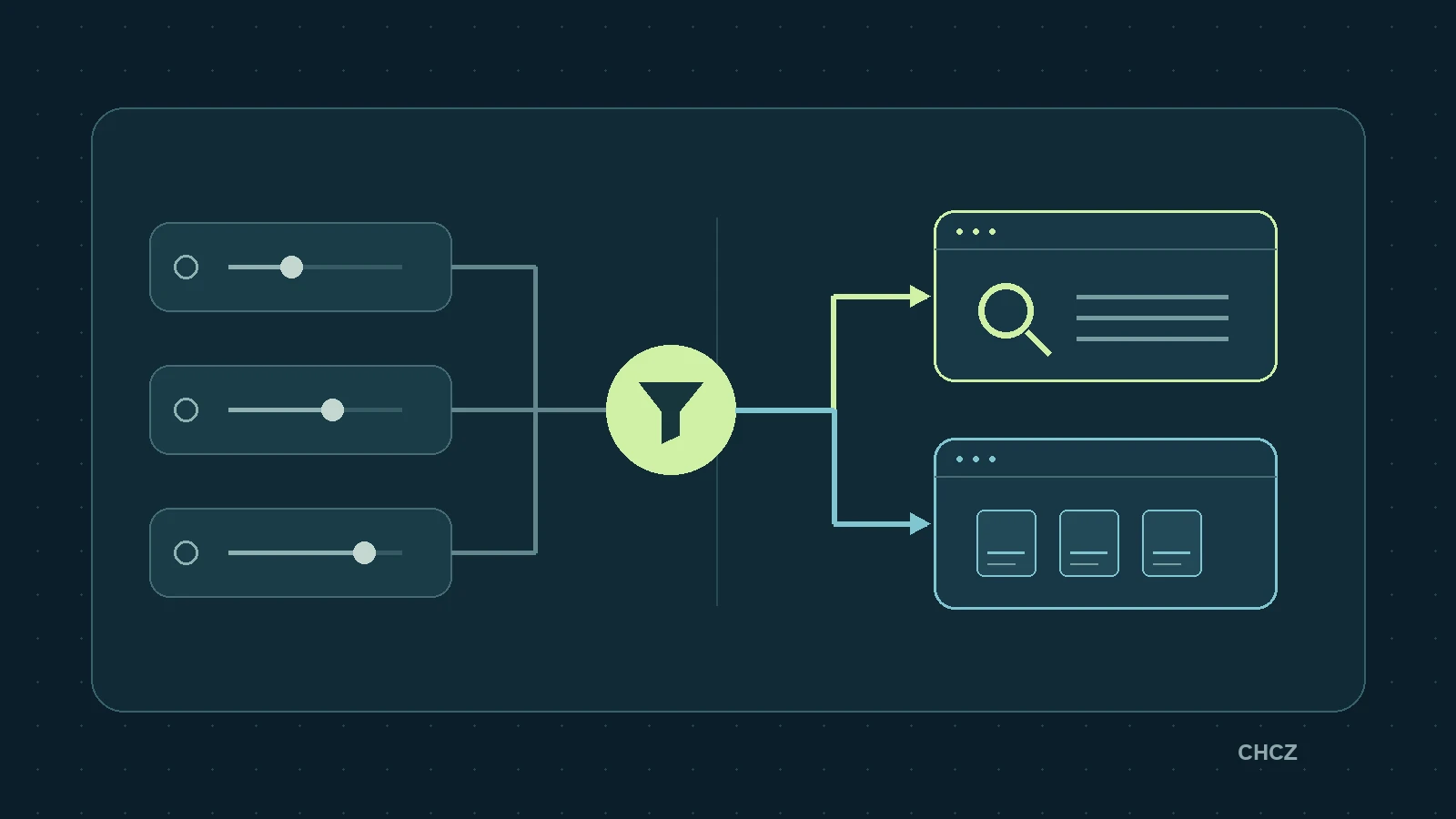
Faceted navigation SEO is the work of deciding which filtered listings deserve a search entry and which should stay as browsing controls. On a B2B catalog, let buyers combine the attributes they need. Give a stable, crawlable page to a selected combination only when it answers a distinct buying question and the catalog team can keep its content accurate.
Consider an engineer looking for stainless steel panel-mount enclosures. A focused listing might help her compare suitable families. The same listing sorted by newest first serves a preference within that visit. Those two actions can use the same catalog and still need different URL policies.
Inventory the routes one filter can create
Start with one product category. Record the base category, a single filter, two filters applied in both orders, a sort, a valid second page, and an impossible combination. Copy each address after using the browser. Reopen it in a fresh tab and note whether it restores the same list and selected filters. Separately note which URLs are exposed by ordinary links in the category or rendered results.
A facet narrows the set by an attribute, such as material or mounting style. A sort reorders a set, and pagination opens another batch within that set. Keep those dimensions separate in the inventory, even when they appear in the same address. Use the SEO pagination checklist to test the valid next page of a listing that should be crawlable.
Choose the listings that deserve a search entry
For each combination under consideration, write the query and the buyer’s next decision in one sentence. Look for corroboration in search queries, catalog searches, or recurring specification questions. Then check whether a product page, existing category, or application page already answers it. If an existing destination works, send the buyer there and keep the facet available for browsing.
Review the candidate without its filter controls. Can a first-time visitor understand what qualifies for the list, compare the options, and continue to the right model? Can a catalog owner maintain the selection as models change? Give only listings that pass those checks a maintained search entry. Keep the detailed specifications and technical downloads on the individual product pages.
Give each URL family one job
The following rows illustrate expected behavior for a hypothetical enclosure catalog. Replace the sample paths with real URLs and record the expected behavior before changing any discovery or crawl rules.
| Sample path or state | Purpose | What to verify |
|---|---|---|
/enclosures/ | Broad category | 200, self-canonical, in sitemap; ordinary links reach models and selected listings. |
/enclosures/stainless-panel-mount/ | Maintained listing for a distinct sourcing question | 200, crawlable and eligible for indexing, self-canonical; direct links and sitemap use this URL. |
?finish=brushed&sort=newest | Browsing state only | Filters and sort work for buyers. Exclude from the sitemap and choose handling based on current crawl and index state. |
| Approved listing with the same filters in another order | Alternate address for the same result | If safe for sharing and filter restoration, normalize to the preferred address. If an equivalent duplicate must remain accessible, point its canonical to the preferred version. |
| Impossible material and mounting combination | Invalid URL, no results | 404 at that address with a way to clear filters or return to the category. Avoid redirecting unrelated requests to one error URL. |
Google’s guide to faceted URLs explains why combinations can increase crawling. It recommends consistent parameter handling, stable ordering for path-based filters, and an appropriate 404 for nonsensical or empty filter URLs. Keep the empty-combination rule separate from the policy for a maintained listing temporarily affected by stock.
Check existing indexing before you change crawl access
Work from sample URLs and their histories. For a browsing-only pattern that has never needed search exposure, consider a design that does not create crawlable destinations for every combination, or a narrow crawl rule after proving that preferred listings and product discovery remain reachable. Confirm that shareable states still work if they are part of the buyer workflow.
For an existing URL that should leave search while continuing to work for buyers, Google must fetch it to see a noindex directive. A robots.txt block can prevent that read. A canonical identifies a preferred equivalent URL, but crawlers may still fetch the alternate. Pick the rule for the goal you can test: discovery, duplicate consolidation, exclusion from search, or reduced crawling.
Make the preferred URL easy to find through a category link. Align the sitemap, the self-canonical and links on that address, as described in Google’s catalog URL guidance. Check that a crawler can reach an individual model via ordinary links even if its previous route through a filter is excluded.
Run an acceptance test a catalog owner can repeat
- For each family, record the input URL, buyer task, expected final URL and status, crawl access, index directive, declared canonical, sitemap presence and discovery link. Assign an owner and write the expected result before testing.
- In staging, compare raw HTTP output with what the buyer sees. Click filters in both orders, open a saved URL in a fresh tab, clear filters, use Back, and follow a model link. On mobile, check that closing the filter panel leaves the intended results visible.
- On release, rerun the same sample against ordinary public URLs. Include one approved listing, one browsing-only URL, one invalid combination, and a model previously reachable through filtering. Use the internal linking audit to document any lost discovery route.
- Compare the declared and Google-selected canonical for sampled URLs when inspection data becomes available. Record the actual crawl or indexing state separately from the rules you shipped. Roll back the narrowest rule if it blocks a selected listing or severs the only verified route to an eligible model.
Common faceted navigation SEO questions
Should an indexable filtered listing use a clean path?
A stable parameter URL can work. A clean path may be easier to own and link to. Select one preferred URL for the result and make the sitemap, internal links and canonical agree. Do not keep both as separate search entries for the same buyer question.
Can every filter URL canonicalize to its parent?
Review equivalence first. A specific material-and-mounting listing may answer a different query from a broad category. Give a maintained search entry its own canonical; consolidate alternate addresses that represent the same result. Use an explicit exclusion plan when the aim is to keep a usable URL out of search.
What if the filter and page number appear together?
Decide whether the filtered listing is a search entry first. For an eligible listing with several batches, check that each real page has a stable address and can be reached from a nearby page. An out-of-range page and a valid next batch need different responses.
Start by classifying one category and its routes. Then apply the same worksheet to the next family. Explore the SEO/GEO Authority guides, or discuss a specific catalog URL problem with CHCZ.