
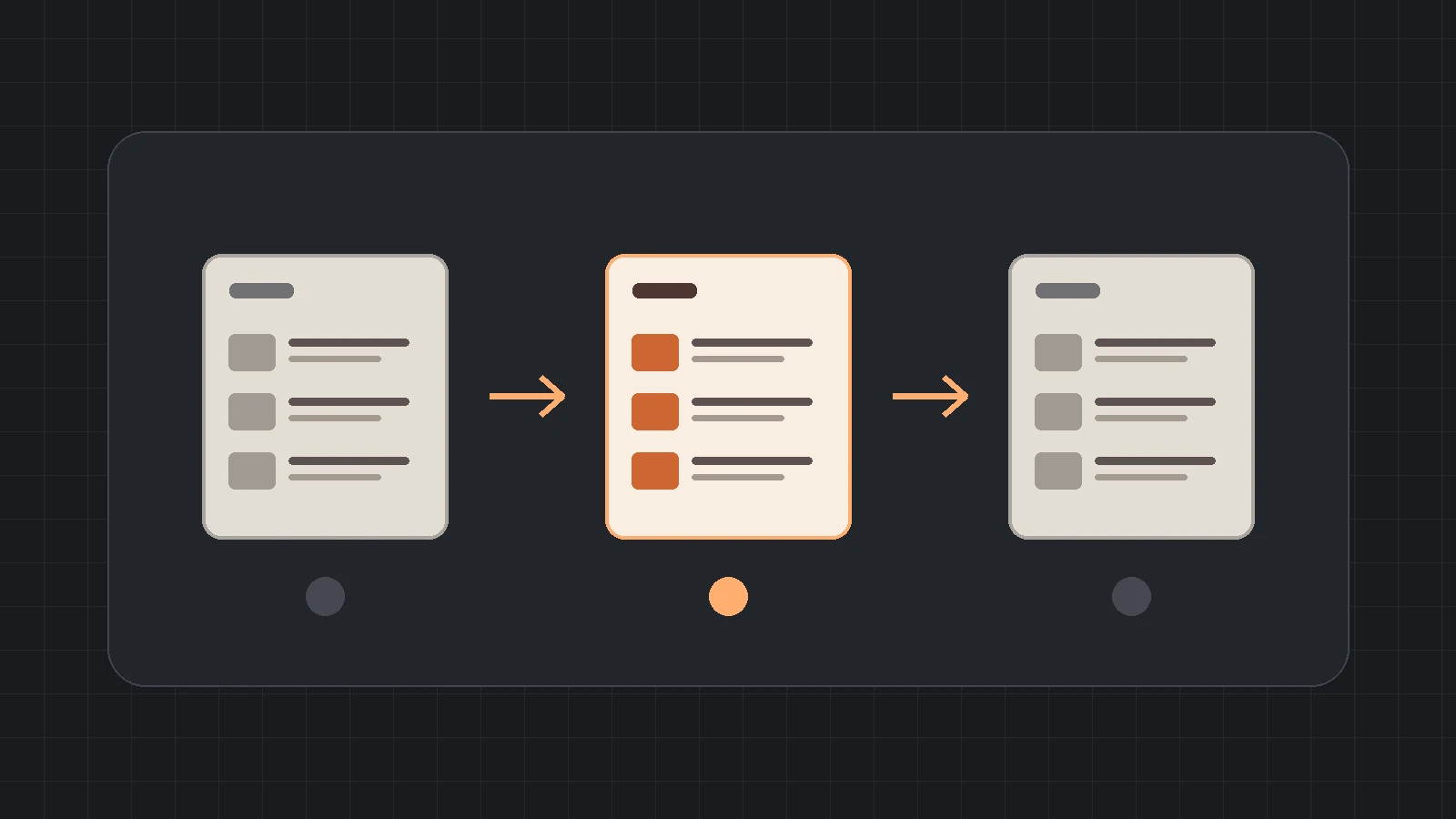
SEO pagination makes a long resource archive usable in smaller groups. Each group has an address readers can open directly, and the archive links to the next group. To verify it, start at the archive homepage and follow the numbered links. A working page 2 can still be unreachable if the Next link sends people back to page 1.
Use the checks below when releasing a blog, resource library or technical catalog. They give marketing and engineering a shared way to check where a link goes, which items the next page shows and whether that page is an actual translation of another one.
Give each page an address and a way to reach it
Pick a stable URL pattern, such as /resources/page/2/ or /resources/?page=2. A reader who opens that address in a fresh tab should land on the corresponding batch of items. Keep one preferred address per batch. If ?page=1 and the archive root show the same list, use the root as the preferred first-page URL and point your numbered links back to it.
Use ordinary HTML links with href values that resolve to the destination. Page 1 should link to page 2, page 2 should link to page 3 when it exists, and Previous should return the reader to the preceding batch. A button labeled “Load more” can enhance the experience. Give the underlying batches stable URLs and link to them so readers can open or share a batch directly. A fragment such as #page-2 alone leaves the request at the same document address. See Google’s pagination guidance and crawlable link guidance.
On a phone, tap Next, then use Back. Check the batch of cards, the current-page marker, and the ability to reach the same result using the page number. At desktop width, repeat with a keyboard and look for a visible focus indicator. On the final page, check that Next is absent or disabled and Previous still leads to a real page. If a list uses client-side rendering, compare the rendered link with the server response when diagnosing a discrepancy.
Set the canonical for the batch being displayed
For a paginated series you want Google to crawl and consider for indexing, give each distinct page its own canonical. On /resources/page/2/, the canonical should identify that page. The archive root can still be the main starting point for visitors. Its role as an entry point and the canonical for the next batch answer different questions. Google documents this distinction in its guidance on pagination URLs.
Check the response status, final URL, displayed items, canonical and robots directives on the same request. If page 2 and page 1 show identical card IDs, investigate the list query or cache before editing the tags. If page 2 shows distinct items but its canonical points to the root, check which template or SEO component generated the head output. When testing a tracking or sorting variant, first determine whether it returns the same batch or a genuinely different list. Treat alternate sort orders and filters as a separate indexing decision.
Give important older resources another relevant path, such as a link from a maintained topic page or related guide. This is useful when a new post shifts the archive boundaries. Add each priority resource to your link inventory with its normal source page and destination URL. The B2B internal linking audit provides a broader way to track those paths.
Compare the lists before pairing language versions
Two archives can serve the same topic and still have different pagination. English may have more published resources, or Chinese translations may appear in a different order. Compare the archive purpose and the resources shown before adding hreflang. Map translated articles by their underlying identity, such as a translation pair ID, instead of comparing titles or expecting page numbers to line up.
If both page 2 URLs display equivalent localized lists, verify that each has its own canonical and that both pages declare the corresponding language URLs, including themselves. If you cannot find an equivalent page for one batch, leave that batch without the unmatched alternate. Keep valid language relationships on the archive roots and on individual translated articles. A language switcher can still offer a clearly labeled link to the other language’s resource index. Google describes the matching and reciprocal requirements in its localized pages documentation. For the underlying distinction between tags, see hreflang vs. canonical.
Worked example: page 2 opens directly and Next loops
Imagine a manufacturer’s resource archive. Page 1 lists an integration guide and a wiring reference. Page 2 lists an installation guide and a commissioning checklist. The QA reviewer pastes the second address into a fresh tab and sees the expected guides. Starting over at the root and tapping Next produces a different result.
| Check | Example observation | Acceptance decision |
|---|---|---|
| Direct page 2 request | /resources/page/2/ returns 200 and shows the installation guide. | The route and list work in this request. |
| Next on the archive root | The rendered link targets /resources/. | Fail the navigation check. Fix the link generator and retest both numbered and Next links. |
| Canonical on page 2 | It points to /resources/, which shows a different batch. | Correct the head output and check page 3 plus the root for regressions. |
| Chinese equivalent | The Chinese resource index has no second batch. | Keep the valid relationship between archive roots. Omit a Chinese alternate on English page 2. |
Record the source URL, link label, rendered href, final URL, response status and one expected resource. If the href is correct but the browser still returns to page 1, inspect the redirect chain and repeat without relying on saved browser state. If the href already points to page 1, start with the code that builds the link. After a targeted fix, repeat the same click path against the ordinary public URL.
Keep a release record a developer can reproduce
- List the sample. Include the archive root, page 2, the deepest page containing a priority resource and the last page. Add each language you serve.
- Compare the two entry paths. Save the direct URL result and the result of reaching it from the preceding batch. For each, record the actual URL and expected resource.
- Check the page signals. Record the canonical, robots directives and any actual alternate URLs. If a page is meant to be indexable, check both HTML and HTTP headers for conflicting directives.
- Retest with a fresh session. Run the same sample on desktop and a narrow mobile viewport. Click from the archive to the older resource and return to the list.
- Record what Google has seen. Use the indexed report for last crawl and Google-selected canonical when available. Use the live test for current fetch and indexability. Log the report type and date so a passed release check stays distinct from Google’s next crawl. See Search Console URL Inspection.
Use one row per URL and language: source → link label → href → final URL/status → expected item → canonical → robots → alternate → verdict → owner. Attach a snippet of the link or head where a check fails. Start with the earliest failure in the user path. A team can fix a broken Next link first and then verify metadata on the correctly reached page.
Common pagination questions
Should page 2 point its canonical to page 1?
Give page 2 a self-referencing canonical when it displays a distinct batch in the series. For a duplicate first-page address, choose one first-page URL and use it consistently. Compare the actual results before deciding which pattern you have.
Does Google need rel=next and rel=prev in the head?
Google says it no longer uses those head tags to identify a sequence. Keep visible Next and Previous links with real destinations. Those links allow visitors to move through the archive and give Google a path to subsequent pages.
What if the sitemap already lists every article?
Keep the sitemap as a discovery source and test the archive links separately. Visitors still need a usable route to older items, and a sitemap entry does not exercise Next, Back or a language switch.
Start with one archive and one priority resource beyond page 1. If your team needs a second look, share the archive URL and the step where the route breaks. Explore more release and measurement guides in SEO / GEO Authority.