
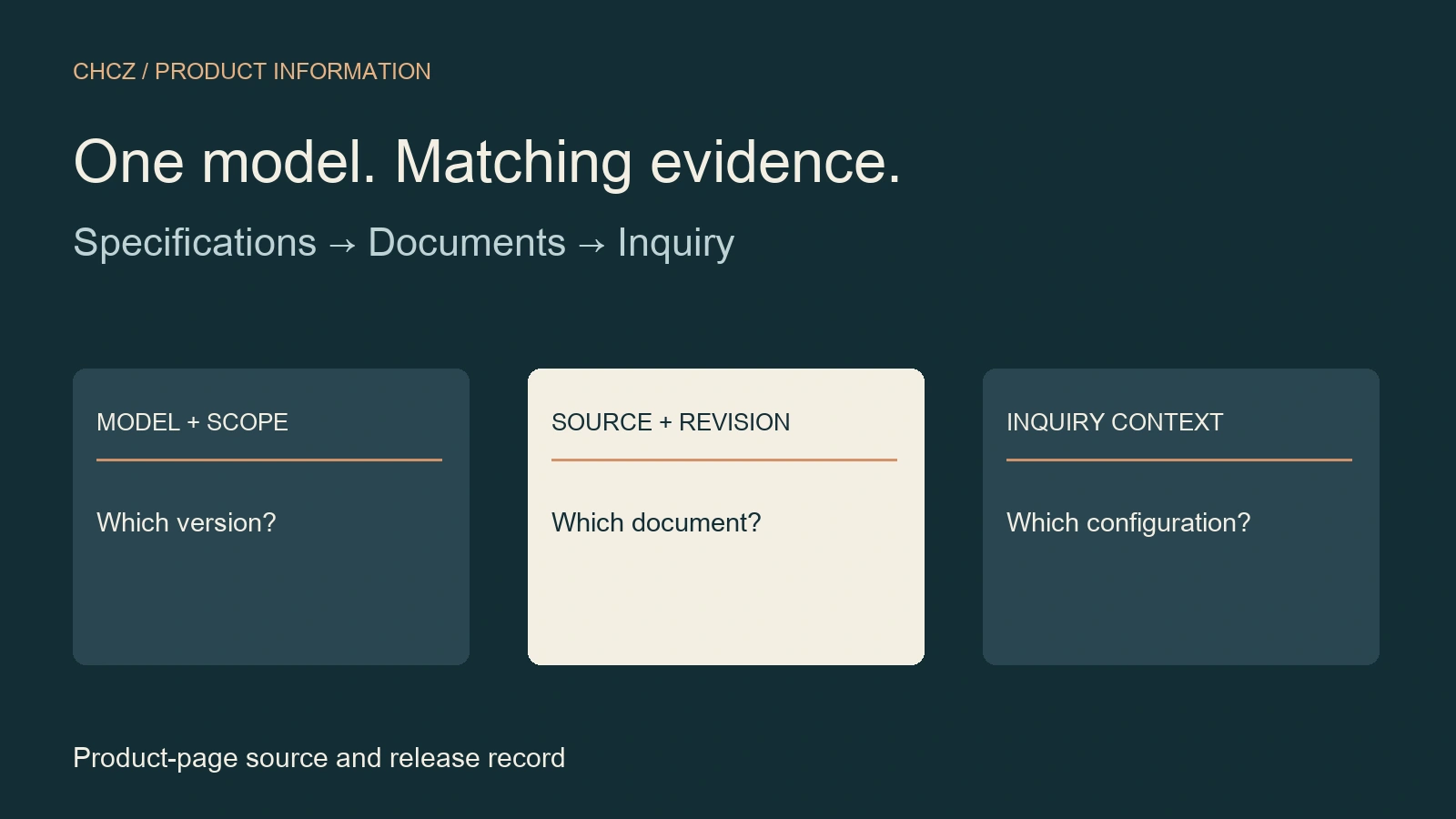
Give the product page a qualification job
B2B product pages should let a buyer identify the product, check whether its specifications fit the intended application, retrieve the right supporting documents and carry that context into an inquiry. For technical products, begin with approved product information and its revision history before arranging the visual design.
This guide is for manufacturers’ business owners, marketing teams and technical reviewers preparing a public product-detail page that leads to an inquiry. Use the field record below to connect each published specification to a source and each download to the correct model. A wholesale ordering portal has additional needs around account permissions, quantities and ordering; those functions require their own brief.
Start by deciding whether this page owns one model or a clearly defined family. If a family page contains several models, make the differences explicit and give the reader a way to identify the selected configuration. A page that mixes incompatible versions leaves the qualification question unresolved.
Separate identity, application and configuration
Use a recognizable product name and an exact model or series identifier in text. Explain the intended application in plain language, then state the relevant selection conditions. A category label such as “industrial components” cannot tell an evaluator which model a drawing or specification describes.
Keep family-wide information separate from model-specific values. If the housing material varies by option, do not present one material as universal. Explain which options change the published dimensions, interfaces or operating conditions, and connect the choice to the corresponding document. Have the technical owner resolve contradictory source material before publication.
The homepage content wireframe introduces the range and routes visitors. This page owns the deeper fit decision. For a process supplied to a customer’s drawing rather than a defined product, the service-page guide provides a more appropriate scope structure.
Publish specifications with their meaning intact
Nielsen Norman Group’s B2B product-specification research recommends concrete details that help evaluators assess fit, and access to specifications in HTML as well as useful downloadable formats. Its guidance is a starting framework: choose fields with your technical reviewers and representative users rather than copying a universal list.
For each property, record the value, unit, applicable model or configuration, relevant conditions, source document and approval owner. A maximum under a named test condition should retain that condition. Do not silently turn a typical value into a minimum requirement, or a component characteristic into a claim about the assembled product.
Keep important selection information readable on the page instead of burying it in a photograph of a table. Give related properties meaningful groups, such as dimensions, interfaces and operating conditions. Where a unit conversion is useful, have the converted value and rounding reviewed; a second unit system should not create a conflicting specification.
W3C’s tables tutorial explains how header cells and data cells convey relationships. Give each specification table a useful caption and explicit headers. Review how its row and column relationships work when read in sequence, and contain wide tables within their own scroll area on small screens.
Make downloads identify their model and revision
Place the applicable datasheet, drawing or manual beside the product information it supports. Use a descriptive label that identifies the document, relevant model, file format and revision where available. Distinguish a family catalogue from a model drawing: the reader should know which question each file can answer before opening it.
Maintain a document record containing the public file URL, document identifier, revision, language, applicable models and review owner. Check the actual downloaded file against that record. A new filename pointing to an old file is still a version error. If a drawing is controlled or available only on request, explain the access route clearly instead of displaying a nonworking download button.
Use normal links with descriptive text. Google’s crawlable-link guidance supports anchor elements with href attributes and meaningful anchor text. That implementation helps make destinations discoverable; it does not establish that a file is current or that Google has indexed it.
Use a product-page source record
Copy these fields into a worksheet for the page owner and technical reviewer. Keep the record tied to a specific public page and configuration. This is a proposed editorial handoff tool; adapt it to the product’s actual selection requirements.
| Field | What to record |
|---|---|
| Page and model | Canonical URL, model/family identifier and selected configuration. |
| Buyer decision | The application and selection question the page must resolve. |
| Property | Stable field name and meaning. |
| Approved value | Value, unit, range and any relevant condition. |
| Applicability | Models/options covered and explicit exclusions. |
| Source | Document identifier, revision and location of the supporting information. |
| Download | Public file URL, format, language and displayed revision. |
| Technical approval | Named reviewer, approval date and accepted scope. |
| Inquiry context | Selected model/configuration and how the destination receives it. |
| Release record | Published page/file checked, issue owner and retest evidence. |
Work through a hypothetical model change
Consider a hypothetical supplier whose product family has two connector options. The general brochure describes both, while the model drawing covers only one. The page editor receives a revised drawing but the public specification table still describes the earlier configuration.
The reviewer first identifies which model the drawing covers and which properties changed. The editor then updates the applicable rows, replaces the correct download and checks its visible revision label. Before release, a second reviewer selects the model on the page, opens the document and confirms that the identity and interface information agree. No product dimensions or operating ratings need to be invented to carry out this check.
Finally, inspect the inquiry route. If it carries a model or configuration, confirm that the submitted context matches the selected option and remains visible for review. If the site cannot carry that context, ask the visitor to name the model explicitly. A generic contact form should not leave the recipient guessing which version prompted the question.
Accept the page and its next step together
Ask a reviewer unfamiliar with the editing process to identify the product, find a relevant specification and retrieve the matching document. Record the page URL, selected configuration, file revision, observed problem, owner and retest result. A successful HTTP response is one check; correct content, usable interaction and appropriate technical approval are separate checks.
- Check text, tables and downloads against the same approved source revision.
- Test the real mobile page, table scrolling, link labels, keyboard access and visible focus.
- Confirm the inquiry action and the product context received through it using an authorized test.
- Keep technical approval, page publication, download activity and qualified inquiries as separate recorded states.
Use the website governance framework to assign ongoing review ownership. For the broader release, use the website redesign checklist. This product record complements those owners by checking model-level information consistency.
Common B2B product-page questions
Is a PDF datasheet enough?
Provide the information needed for initial selection in readable page content, with the relevant PDF available for download when useful. Keep the two versions consistent. A document can support sharing and offline review, while the web page lets a visitor inspect key information without first opening a separate file.
Should every variant get its own page?
Decide from the buyer’s selection task and the information that genuinely differs. A family page may work when variants can be clearly compared and identified. Separate pages need useful model-specific content and stable ownership. Do not create near-identical pages merely to target spelling variations of the same query.
What if a specification has not been approved?
Keep the value out of the public specification and route the unresolved question to its technical owner. If the page remains useful with a clearly described inquiry route, publish only the approved scope. A design deadline is not evidence for a product value or a certification claim.
Continue with the B2B website strategy collection, or discuss a product-page brief with the model structure, source documents and unresolved buyer questions identified.
Sources reviewed November 6, 2026.