
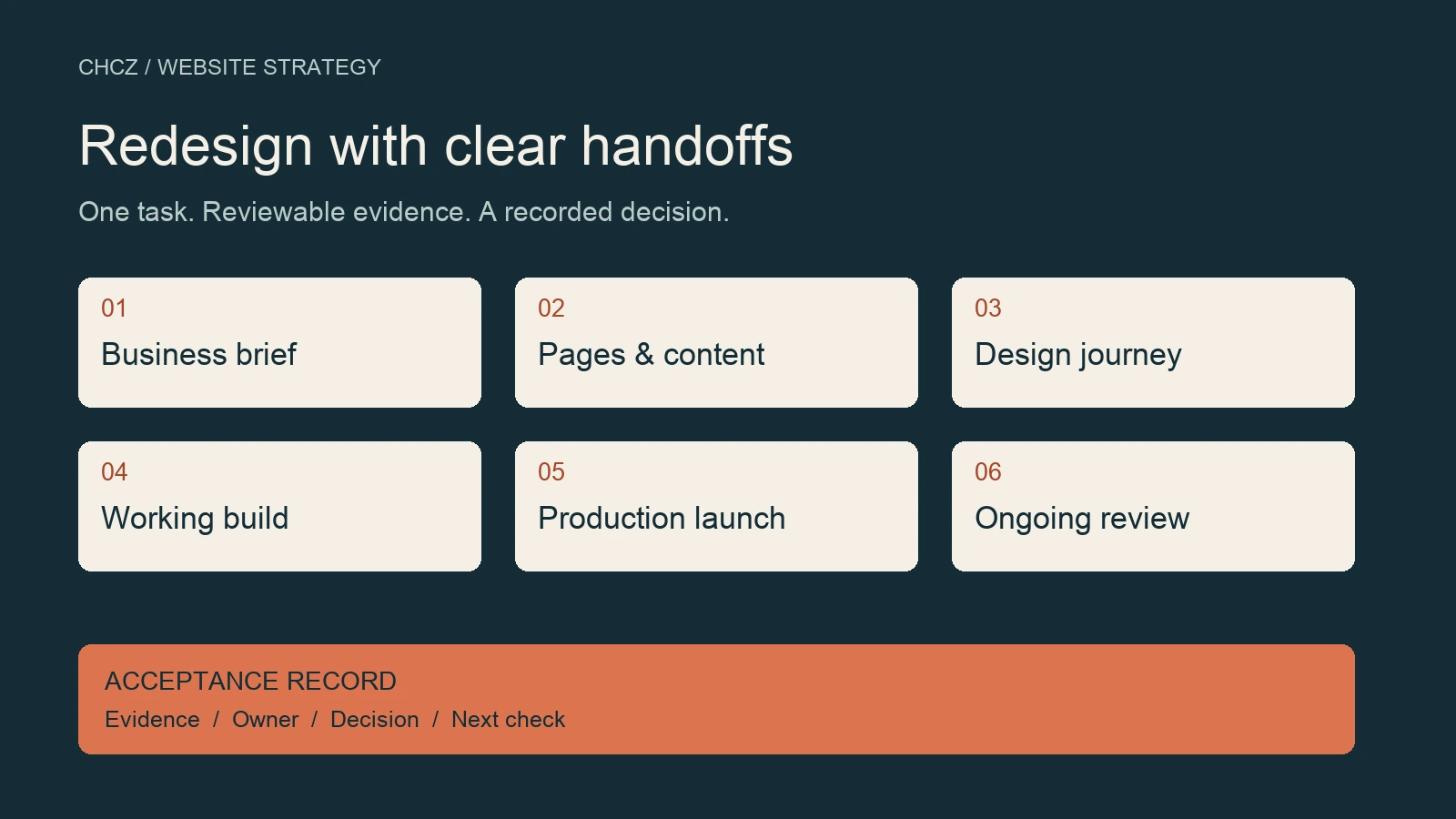
A website redesign checklist should tell your team what must be decided, what evidence is needed and who can approve the next stage. For a B2B site, work through the business brief, page and content decisions, representative design, build acceptance, production launch and ongoing review. Keep one record of the decisions that allow work to move forward.
This guide gives a marketing lead or business owner a checklist for those handoffs. Use the stage table to locate the project, then copy the acceptance record below into your project document. A task can be complete while its result still needs review; keep those states separate.
For the wider decision model, see the B2B Website Strategy cluster. If the question is whether a redesign is needed at all, start with the pre-redesign audit framework.
The website redesign checklist at a glance
Use a stage boundary when the next task depends on a decision that would be expensive to reverse. Discovery may overlap with content work, and design may need another round after testing. The checklist is a decision sequence, not a fixed schedule.
| Stage | Evidence to review | Decision before moving on |
|---|---|---|
| Business brief | Named buyer task, observed problem, baseline and scope | Proceed, narrow the work or investigate |
| Pages and content | Page purpose, content owner, approved material and URL decisions | Enough real content exists to design |
| Representative journey | A realistic service-to-contact path on mobile and desktop | Patterns are ready to build elsewhere |
| Working build | Functional tests, content checks and issue records | Ready for production verification |
| Production launch | Live critical-path checks and a usable rollback plan | Continue, repair or revert |
| Ongoing review | Operational health, search data and buyer feedback | Prioritize the next supported improvement |
Give each stage a working owner and an approver. A small team can assign both responsibilities to one person, but the record should still distinguish “I completed the task” from “I checked the result.” Record open issues with their effect on the buyer, rather than hiding them inside a percentage-complete score.
Before design: agree on the business brief
Start with a buyer action that the current website does not support well. “Make the site modern” gives a designer little basis for choosing between competing requests. “Help a procurement buyer understand the service scope and send a useful inquiry” gives the project a task to test.
- Name the audience, the task and the page or journey involved.
- Record the observed problem and where the evidence came from.
- Separate a site problem from an assumption about sales performance.
- State what the project includes, excludes and needs to preserve.
- Agree how scope changes and unresolved questions will be decided.
The acceptance evidence is a short brief with a baseline, not a prediction of additional revenue. If analytics access is missing, record the missing measurement and use the evidence you actually have, such as a reproducible navigation problem. Do not convert an internal opinion into a measured visitor problem.
Hold this stage when the decision-maker cannot identify the task or the problem. Investigate that gap before approving a broad rebuild. When an outside provider is involved, put the agreed decisions into the redesign RFP and acceptance requirements.
Before layouts: resolve page and content decisions
A page list is useful only when the team knows what each page is for. For every important destination, connect a buyer question to approved content and a next action. Identify what will remain at its current URL, what will move and what needs an editorial decision.
- Assign a purpose and a content owner to each important page.
- Confirm the services, specifications, images and supporting claims that may be used.
- List downloads, forms and language versions alongside HTML pages.
- Flag missing material that prevents a buyer from completing the task.
- Resolve URL changes before they become accidental build decisions.
Use real content in the first design review. A short placeholder headline may fit a layout that fails with the actual service name or Chinese translation. An attractive image placeholder cannot show whether an approved technical diagram remains readable on a small screen.
Pass this stage when the representative journey has enough approved material to build and the remaining content gaps have named owners. Use the content audit worksheet for detailed page reviews. Keep URL mapping and redirect implementation in the SEO migration checklist.
Before repeating templates: approve a representative journey
Choose a journey that exposes the site’s real constraints: for example, a service page, a supporting technical resource and the inquiry form. Include realistic navigation labels, content lengths, imagery and error messages. Review how the parts work together before extending the design across the site.
- Can the intended buyer understand the offer and find the next step?
- Does the actual content fit at the mobile and desktop widths you agreed to test?
- Can someone follow links and reach controls using a keyboard?
- Are headings, image alternatives, labels and visible focus appropriate?
- Can an editor maintain the page without breaking its structure?
The W3C accessibility easy checks provide a starting point for reviewing titles, headings, image alternatives, contrast, keyboard access and forms. These checks help identify barriers; passing a quick review does not establish full accessibility conformance.
Return to design when an important buyer action cannot be completed with the proposed pattern. Do not treat approval of a static homepage image as approval of a working site. Save the tested pages, devices or viewports, observations and the changes needed before the pattern is reused.
Before launch approval: accept the working build
The build review should show that the agreed journeys work with the migrated content and connected systems. Reviewers need a test result they can inspect, including failures. A list of installed plugins or screenshots of settings is not the same as an observed outcome.
- Follow the important entry-page-to-contact journeys in each launch language.
- Check validation, submission success and failure messages for each form.
- With authorization, send a clearly labeled test and reconcile its stored record with the expected notification or receiving system.
- Check page titles, descriptions, canonical URLs, language links and public sharing images.
- Inspect agreed page types on mobile and desktop with actual content.
- Review performance tests with the URL, environment and evidence type recorded.
- Confirm that an editor can make a routine change and recover from an error.
A thank-you page can load even when a message fails to reach the intended recipient. Likewise, an analytics event can fire without establishing that a useful buyer inquiry was received. Keep browser behavior, stored submissions, notifications and business qualification as separate checks.
For performance acceptance, use the B2B website speed framework. Agree what constitutes a blocking defect before reviewing the results. A broken primary contact path normally needs resolution before release; a cosmetic issue can enter a named follow-up list if the approver accepts its effect.
On launch day: make an evidence-based release decision
Write the release order before making production changes. Include the person who can execute each step, the checks immediately afterward and the condition for stopping. Confirm that the backup matches the site being changed and that the people responsible can use the rollback procedure.
If URLs are changing, Google’s site-move guidance covers mapping old URLs to new destinations, updating canonical and language annotations, configuring redirects and checking development indexing restrictions. Google also recommends separating major changes where practical. Apply the relevant steps to the actual move rather than assuming every redesign needs a new domain or URL structure.
After release, check the ordinary public URLs. Confirm critical pages and assets load, expected URL destinations resolve, production indexing rules match the approved plan and contact journeys still work. Check through the public caching layer; success inside an administrator session alone is insufficient.
| Observation | Suggested release response |
|---|---|
| Primary inquiry path fails or critical content is unavailable | Stop the release; assess repair versus rollback with the release owner |
| An important URL has the wrong destination or production indexing rule | Hold acceptance and correct the affected configuration, then retest |
| A minor visual issue leaves the buyer task usable | Record its scope, accepted risk, owner and follow-up check |
| Pages work but new search performance data is not yet available | Record technical acceptance separately and keep the outcome review open |
These responses are a starting policy for the project team to adapt. They are not automatic instructions to revert a live system: the cost of rollback depends on content changes, new submissions and the systems connected during the release.
After launch: keep operational and outcome reviews separate
Technical acceptance answers whether the released website works as agreed. Outcome review asks what happens when real buyers and search engines encounter it. Keep the first review open until launch issues are resolved, and keep measuring the second against a dated baseline.
Record search crawling and indexing separately from impressions and clicks. Record analytics sessions separately from stored inquiries. Distinguish internal tests, spam, genuine buyer questions and qualified opportunities. If the reporting window does not yet cover the period being assessed, label it partial.
The GOV.UK live-phase guidance treats ongoing support and iteration as part of operating a service. For a B2B website, assign responsibility for incidents, content changes and the next evidence review before the project team disperses. Use the website governance framework for those continuing responsibilities.
Copy this redesign acceptance record
Create one record for each decision boundary. Keep the evidence link close to the decision so a different reviewer can reproduce the check.
Stage and version:
Buyer task / pages / languages:
Decision needed:
Acceptance condition:
Evidence location and observation date:
Environment, browser and viewport:
Working owner / reviewer / approver:
Open issue and buyer impact:
Decision: proceed / hold / revise
Accepted limitation and reason:
Next action, owner and review date:
Rollback reference, if relevant:
Fictional example: A manufacturer is reviewing a translated technical-resource page before extending its template. The resource loads, but its request form has an untranslated error message and a keyboard user cannot see which control is focused. The reviewer records both observations against that page and language. The decision is “revise,” with a retest assigned to the build owner. Other working pages are not treated as evidence that this journey passed.
Use “not applicable” only with a reason, such as “this page has no form; its next action is a link to the contact page.” Use “not checked” when evidence is missing. That distinction prevents an empty cell from silently becoming approval.
Common questions about website redesign checklists
Is a redesign checklist the same as an RFP?
An RFP defines what a provider should propose and deliver. A redesign checklist helps the project team review the resulting decisions and work across stages. Bring the agreed requirements into acceptance checks, then record the evidence actually observed.
Does a small B2B website need every stage?
Scale the evidence to the change. A limited layout adjustment may need a brief, representative-page check and production verification. A CMS or URL migration needs a wider plan. Explain any omitted checks and preserve the critical buyer journey.
When is the redesign complete?
Agree separately on build acceptance, production acceptance and ongoing ownership. Technical checks can finish while outcome measurement continues. Search performance or inquiry quality should be assessed with suitable data, rather than being marked successful because a launch occurred.
Who should approve the next stage?
Name the person responsible for the decision in the project brief. Ask relevant content, technical and business reviewers to provide evidence, then record the approver’s decision and any accepted limitations. A long list of reviewers is not a substitute for clear decision authority.
For help defining the next decision, share the website URL, project stage and unresolved question with CHCZ.