
AI can produce a convincing factory floor, an attractive product scene or a group of engineers reviewing a drawing. For a B2B website, the important publishing decision is what a buyer will understand that image to mean.
A diagram can explain a process. A photograph under “Our factory” can imply that the business owns the facility shown. A product rendering can help someone understand a concept, but it can also suggest features that the actual product does not have.
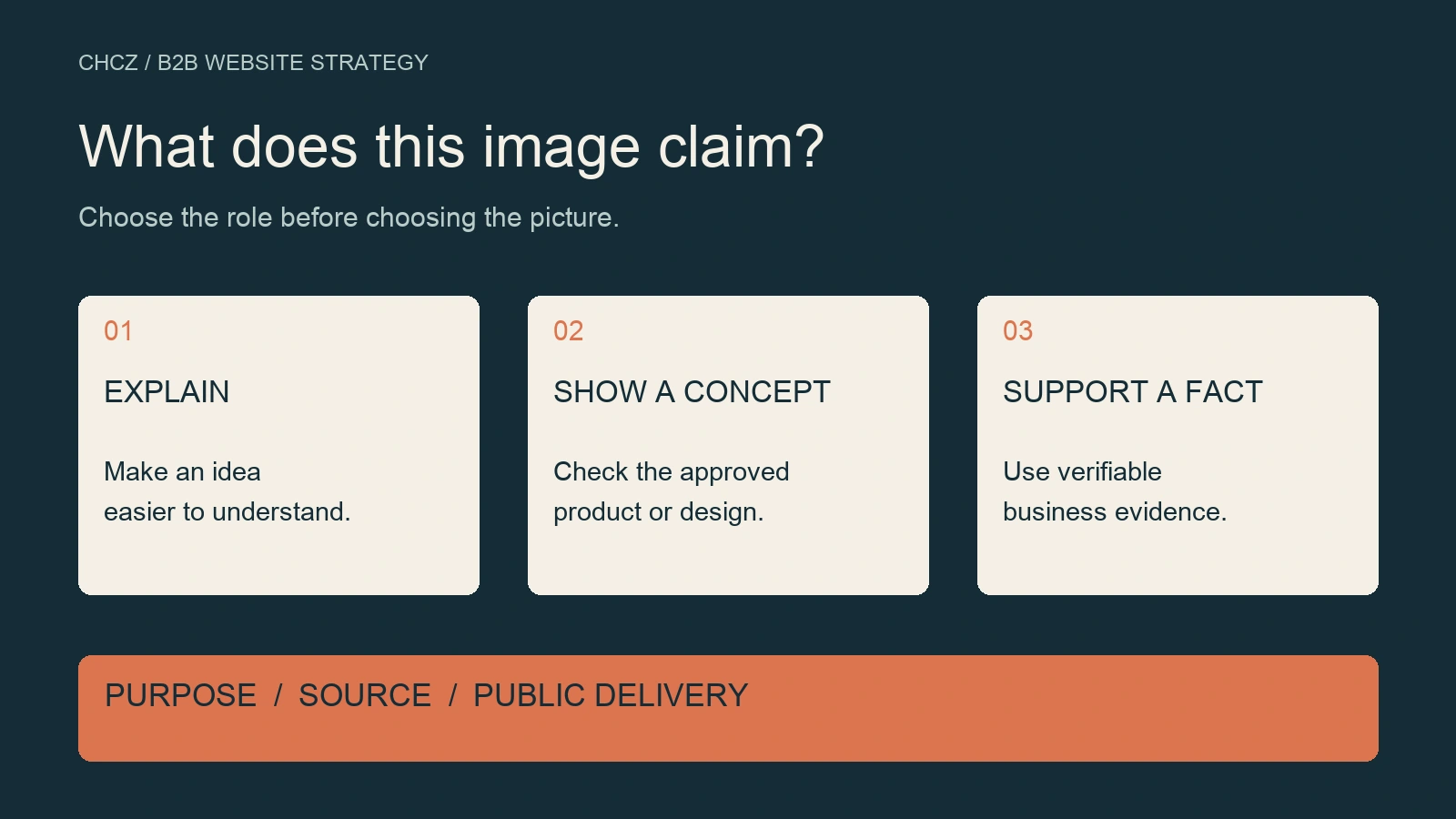
Before using an AI image on a B2B website, decide whether it explains an idea or supports a factual claim. Then check its accuracy, source, permission to use it, visible description and final delivery on the page. Content Credentials and watermark detection can contribute to that record, but they do not replace editorial judgment.
Start with the image’s job
Write one sentence before choosing or generating an image: “This image helps the buyer understand or verify ______.”
That answer determines which evidence the image needs.
| Image use | What the buyer needs | Recommended publishing approach |
|---|---|---|
| Concept illustration or process diagram | An understandable explanation | Consider AI assistance; verify labels, sequence and technical details. |
| Product application or proposed solution | A useful picture of a possible use | Distinguish a concept from an actual installation; check the depicted capabilities. |
| Product rendering | An accurate view of the intended item | Work from approved product references and identify its rendering or concept status. |
| Factory, equipment or team introduction | Evidence of resources the business actually has | Prefer verifiable photographs of those resources. |
| Customer delivery, certification or test result | Evidence supporting a particular commercial fact | Use authentic, approved records with a traceable connection to the claim. |
These are editorial decision rules. Permission, confidentiality, platform requirements and applicable disclosure rules still need their own checks.
For example, an illustration labelled “Example warehouse workflow” explains an arrangement. Presenting the same generated scene as a photograph of the company’s warehouse introduces a factual claim that requires evidence. Changing the caption changes the publishing decision even when the image file stays the same.
Separate SynthID, Content Credentials and visible explanations
SynthID is a digital watermark embedded in content. Google describes its image watermark as designed to withstand common changes such as cropping, filters and lossy compression. It is a different mechanism from ordinary file metadata such as author or location fields. See Google’s SynthID explanation.
C2PA Content Credentials record provenance through signed information bound to an asset. They can describe creation and editing history. A credential can help a verifier assess the record and its association with the file; it does not independently establish that the scene depicted is factually true. See the C2PA explainer.
A visible caption serves another purpose: it tells the reader how to interpret the image. “AI-generated process illustration,” “product concept rendering” and “photograph of the installed equipment” set different expectations.
Use these layers together where appropriate. A valid provenance record does not establish that a business owns the equipment in a picture, and an accurate caption does not establish that the underlying file retains its credentials.
Treat provenance as information, not a ranking switch
Google’s image metadata documentation says that eligible C2PA information may appear in “About this image,” providing details about how an image was created or edited. This describes a provenance display feature. It does not establish that an AI source label causes a ranking penalty. See Google’s image metadata documentation.
For day-to-day image SEO, work on the image and its surrounding page: make it discoverable, relevant to the text, clear at the sizes readers use and accurately described.
Google’s image SEO guidance covers standard image elements, page context, alternative text and responsive delivery. These are practical implementation tasks that an editor and developer can verify.
Alternative text should describe the information the image contributes in context. “Six steps from requirements review to website launch acceptance” is more useful than a string of repeated service keywords. Where readers need to understand the production method, add an appropriate visible explanation rather than turning every alt attribute into a list of image-generation tools.
Keep the original and inspect the delivered versions
A website image can pass through an editor export, WordPress size generation, an optimization service and a delivery layer. The actual sequence depends on the site. Checking the original file alone cannot establish what every visitor receives.
Start with an image that is already approved for public use:
- Preserve the original and record its source and permission reference.
- Keep the publishing copy separately, with a record of relevant edits and review.
- Retrieve the public media original and the image URLs actually selected by the page.
- Inspect each relevant file for dimensions, quality and the provenance information you need to retain.
- Check the rendered page at a real narrow viewport, including whether important details remain usable.
Record the file version, tool, date and result for each provenance check. If a derived size was not checked, mark it unverified. Do not copy a successful result from the original to every thumbnail.
What two existing CHCZ covers showed
A file-level check on 30 October 2026 compared two existing generated editorial covers: one used in the pre-redesign website audit guide and one in the AI content governance guide.
The check matched saved original PNGs, local WebP publishing copies, current public media originals and declared derived sizes. SHA-256 hashes were recorded to distinguish file identity from visual similarity.
| Stage | Observation for both covers |
|---|---|
| Saved original | A 1672 × 941 PNG with readable C2PA data containing a generated-media source declaration. |
| Local publishing copy | A 1600 × 900 WebP with no embedded C2PA manifest found by the reader. |
| Current public media original | Byte-for-byte identical to its corresponding local WebP copy. |
| Mobile delivery | At a 390px viewport, the page selected a 768 × 432 derived WebP for each cover. |
| Desktop delivery | At a 1470px viewport, the page selected a 1536 × 864 derived WebP for each cover. |
In these two samples, the difference in embedded credentials was already present between the saved PNG and the local publishing copy. The observations therefore do not support attributing that difference to WordPress or a cache plugin. The historical export operation was not replayed, so the check does not identify a particular conversion command as the cause.
A deterministic SVG workflow illustration was included as a third asset. Its WebP publishing copy also had no readable C2PA manifest. Absence of a credential therefore cannot, by itself, tell an editor which production method was used.
Credential validation also required separate results. For the two original PNGs, signature and file-hash checks succeeded, while the configured signer-trust check did not pass. “Readable credential,” “signature matches the asset” and “trusted signer” are separate observations.
Another useful finding concerned inspection tools: the ordinary image library used in the check exposed no metadata entries for these PNGs, while the dedicated C2PA reader parsed their credentials. An empty ordinary metadata display was therefore insufficient to conclude that no credential existed. The dedicated reader was the Content Authenticity Initiative’s open-source C2PA Python library.
The check covered three selected assets and 18 public files. Because the uploaded WebP inputs already lacked readable C2PA, this sample cannot establish whether WordPress would preserve a credential supplied in an upload. SynthID was not tested. Those questions remain separate from the file observations above.
Review privacy fields and source information separately
An image may include location, personal identity or internal account information that does not need to be public. Inspect those fields before release, while deciding separately which rights and provenance information should remain.
Google recommends retaining critical rights and attribution metadata where possible, including creator, credit line and copyright notice. Its guidance also notes that removing metadata can have legal implications in some jurisdictions. See Google’s guidance on removing image metadata.
An optimization preset that removes all metadata may therefore be broader than the publishing team intends. Review the actual output rather than assuming the preset’s name explains its consequences.
Keep confidential customer and internal files inside an authorized workflow. An external verification website is another recipient of any uploaded file; assess that transfer before using it. Local inspection may be more appropriate when confidentiality restricts external sharing.
Use a short, specific image acceptance record
A team can start with a small record alongside its existing publishing checklist.
Keep these provenance fields separate:
| Check | Useful result states |
|---|---|
| Credential presence | Readable, not found, unsupported or not checked. |
| Signature and asset binding | The verification result and relevant error codes. |
| Signer trust | Passed under the named trust configuration, not passed or not checked. |
| SynthID | The named detector’s actual result, or not tested. |
Then record the publishing context:
- asset ID, original reference and publishing-copy reference;
- intended role: explanation, concept presentation or factual evidence;
- capture, generation and editing sources;
- permission and confidentiality references;
- factual reviewer and approval record;
- caption, alternative text and applicable disclosure requirements;
- public image URLs and the versions selected on mobile and desktop;
- acceptance result, review date and unresolved checks.
Make the acceptance condition concrete. For example: “The page identifies this as a product concept, the depicted structure matches the approved reference, and the image is not used as evidence of a completed customer installation.” That is more actionable than a checkbox labelled “image checked.”
Connect this record to the website governance framework when the team needs standing owners and release rules. The broader AI content governance guide owns the general evidence and review workflow; this image record handles the file, its purpose and its public delivery.
Help the buyer understand what the image supports
AI images can help a team explain, illustrate and explore ideas. The publishing task is to keep the visual claim aligned with the evidence the business can provide.
Begin with one important page. Identify what each image is meant to explain or prove, check its source and description, then inspect the actual files delivered to visitors. Where an image supports a factual business claim, verify that claim against the corresponding record. Where it explains a concept, make that purpose clear and keep the visual useful at the reader’s screen size.
For a redesign, use the image acceptance record alongside the website redesign checklist to assign review and verification before launch. The B2B Website Strategy hub connects these checks with the wider decisions about page purpose and buyer trust.